I remember the exact moment I realized that managing multiple AKS clusters was a completely different job than managing one. I had three clusters across two regions, a Kubernetes upgrade was due, and I spent an entire afternoon manually running az aks upgrade on each one while keeping a spreadsheet of which cluster was on which version. Boy, that was a fun day. The single-cluster playbook I had been using for years just fell apart once the second region came into play, and by the time we added a third cluster for compliance reasons and a fourth because a business unit wanted subscription isolation, I was basically running a small air traffic control operation out of a terminal window.
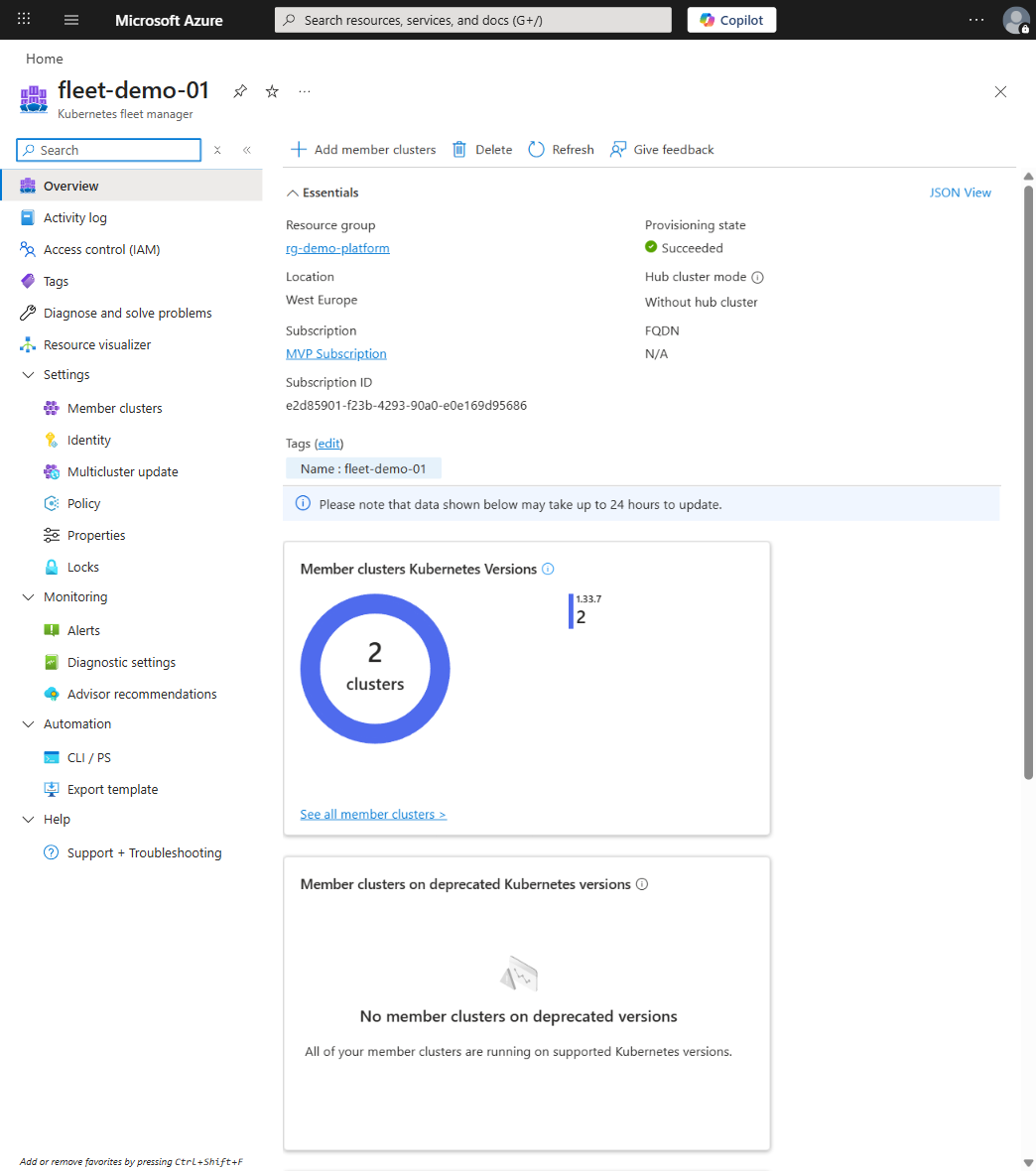
I'll be upfront, when Fleet Manager first showed up, I wasn't sold. It felt like yet another control plane to babysit on top of everything else. But after running it against a real upgrade schedule with six clusters across three regions, the value clicked pretty fast. It's not a silver bullet, but once you're past two clusters you just need something coordinating upgrades, and for me that ended up being Fleet Manager.
What Actually Breaks at Multi-Cluster Scale?
Alright, before diving into Fleet Manager itself, let's name what actually breaks when you scale to multiple clusters.
The first thing that hits you is upgrade sequencing. In a lab with one cluster, you upgrade and move on. In production with six clusters, you have to decide which clusters upgrade first, which ones can absorb risk, how long to wait between stages, and when external events (quarterly maintenance windows, customer events, compliance freeze windows) should delay operations. Without a coordinated framework, teams either upgrade everything at once and maximize blast radius, or upgrade randomly and create drift. Neither option is great, and I've watched teams ping-pong between both before settling on "whoever remembers runs it."
Then there's policy enforcement, which silently fails across cluster boundaries. A NetworkPolicy you think protects your multi-cluster workloads might not exist in one of your clusters, a ResourceQuota applied two years ago might be missing from a recent spin-up, a RBAC boundary that makes sense in one cluster becomes a shoal in another. Drift isn't just a risk, it's basically the default state, and I've seen this happen more times than I'd like to admit. Observability fragments in the same way, a service running on three clusters means three dashboards to check during an incident, correlation becomes manual, and by the time you've gathered signals from four clusters, the incident window has shifted. Fun times :)
And then there's workload placement, which becomes tribal knowledge faster than you'd expect. Someone needs to decide whether this workload should run in west-europe or northeurope, whether it should be split across both. Without a system, the answer either lives in someone's head or requires a governance meeting for each deployment.
These aren't problems Kubernetes itself can solve. Kubernetes is designed for single-cluster operation, and everything beyond that is properly called multi-cluster orchestration, which is a layer above Kubernetes.
Anyway, Fleet Manager is Microsoft's opinionated answer to that layer, so let's look at what it actually does.
Fleet Manager in Practice
The way I think about Fleet Manager is as a "cluster estate control plane." It's a control-plane abstraction for grouping multiple AKS clusters into a managed fleet, and it gives you coordinated upgrade orchestration with staged rollouts and health gating, multi-cluster resource propagation (basically templating workloads across clusters), and cross-cluster resource placement with optional hub-based orchestration. It also ties into Azure Policy, Azure RBAC, and cost management, which is where the fleet-wide governance story starts.
Now, what it doesn't do is equally important to understand. It's not a networking layer, you still manage CNI, network policies, and inter-cluster connectivity yourself. It's not a service mesh (Istio or whatever you've picked remains separate), and it's not going to replace your deployment tooling, Helm, Flux, or whatever pipeline you've built stays where it is. For comparison, EKS has Cluster Sets and GKE has Fleet, but Fleet Manager is the most opinionated of the three about upgrade orchestration specifically. It sits between your Kubernetes clusters and your business applications, surfacing operational patterns that make multi-cluster operation safer and less manual. It won't solve your networking problems or replace your GitOps pipeline, but it does make the cluster-level operations less of a mess.
Hubless or Hubful; Which One Do You Actually Need?
The first meaningful design decision is topology. Should you operate a hubless fleet or a hubful fleet?
Hubless Fleet
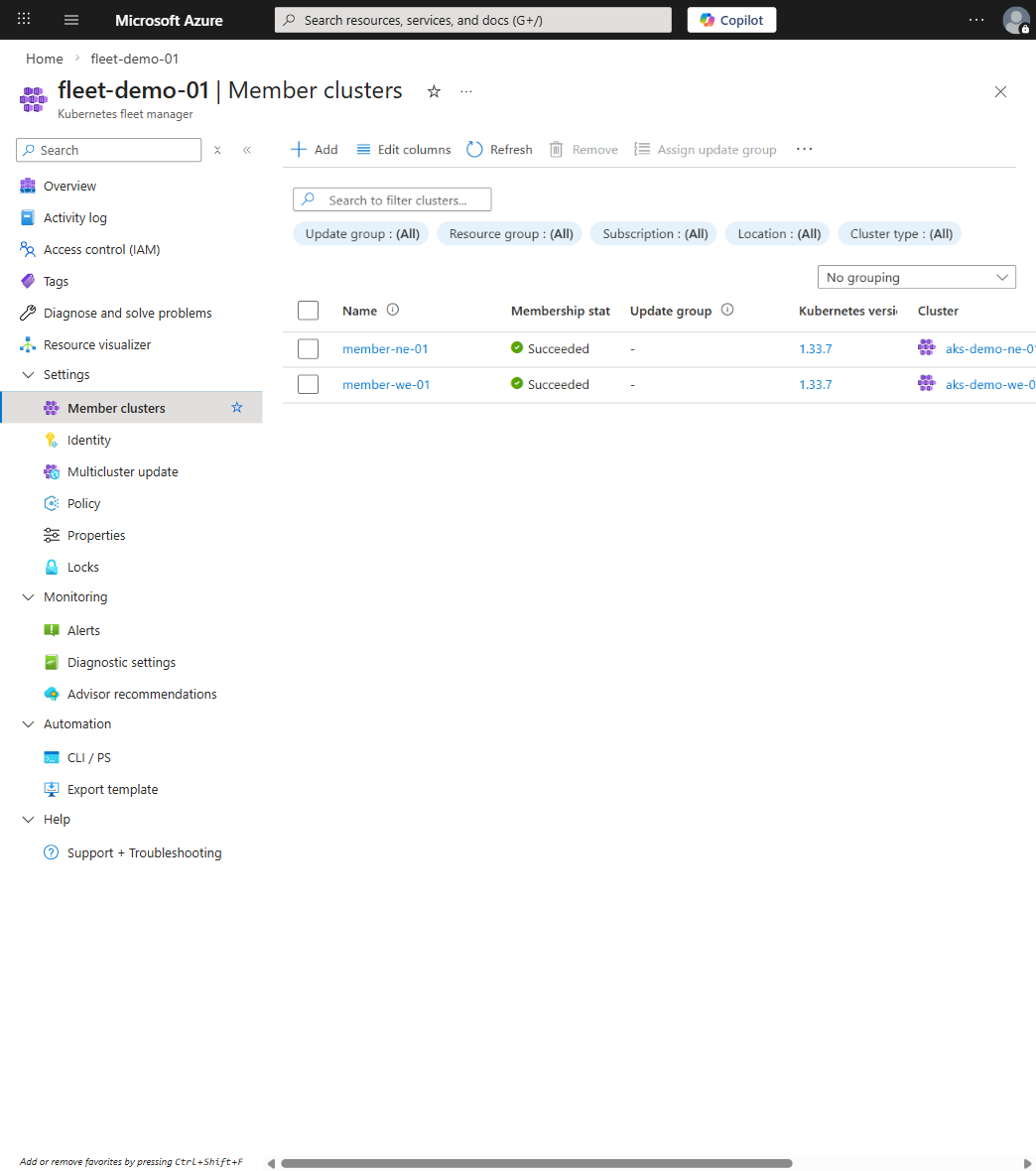
A hubless fleet (officially "fleet without a hub cluster") is simpler to understand and operate. The fleet resource exists, member clusters are registered, and that's it, there's no separate hub cluster managing central orchestration.
You want hubless if your primary need is safe, coordinated cluster upgrades without manual orchestration, if your member clusters are heterogeneous and don't benefit from push-based configuration, or if you just want to adopt Fleet Manager incrementally without overcomplicating things. Cross-cluster workload placement isn't available in this mode, that's a hubful feature.
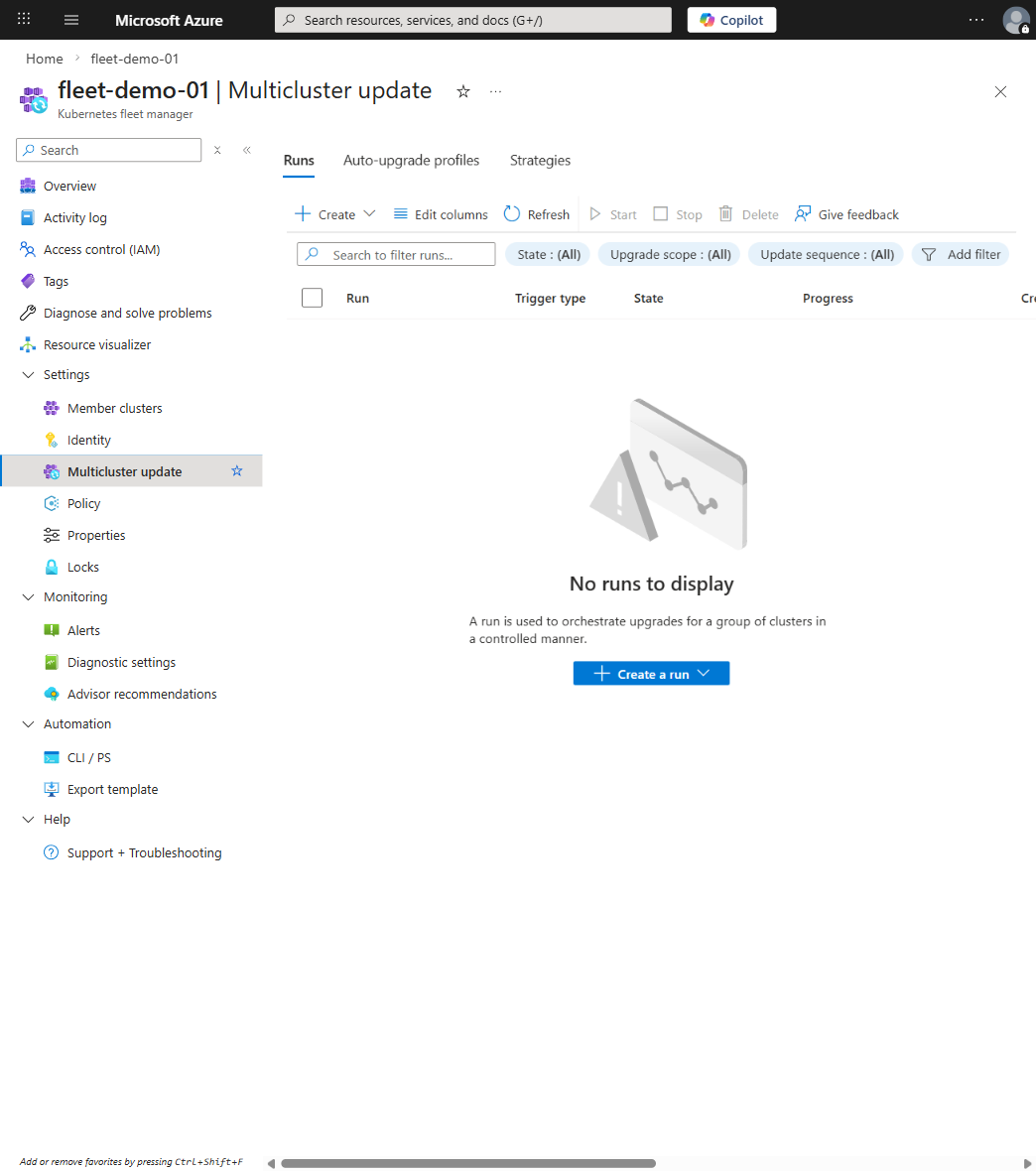
I've run this in a setup with AKS across three regions where the main pain point was sequencing upgrades to match business calendars and regional risk profiles. We managed workload placement through existing deployment pipelines and the hubless fleet covered 80% of the value we needed. Now, you can manage update runs through the Azure CLI or portal, not as Kubernetes CRDs:
Pay attention to the afterStageWaitInSeconds values and the stage grouping; those are what keep a bad upgrade from rolling through your entire fleet before you notice something's wrong.
Hubful Fleet
A hubful fleet (officially "fleet with a hub cluster") reserves one AKS cluster (the "hub") as a central control plane. The hub hosts Fleet Manager orchestration and can propagate workloads and configuration to member clusters.
You need hubful if you want to push configuration consistently across members (policies, namespaces, RBAC), if workloads should be deployed once to the fleet and then automatically propagated to matching clusters, or if you have a platform team mandate that needs enforcement of standards. It's more operational overhead, but it's also where the real multi-cluster governance story lives.
I moved to hubful when we hit twelve clusters and the config drift between them was becoming a weekly fire. We wanted workloads defined once and propagated based on placement rules, with security policies and namespace isolation enforced everywhere. In hubful mode, you define a ClusterResourcePlacement that the hub evaluates and propagates automatically:
The hub evaluates this rule and rolls out matched resources to all clusters with those labels. So you define the intent once, and the fleet handles the distribution. Pretty convenient when it works.
The Tradeoff
Dimension
Hubless
Hubful
Operational complexity
Lower
Higher
Central control
Decentralized
Centralized
Configuration drift
Manual gates required
Actively prevented
Failure modes
Hub cluster failure not a blocker
Hub failure affects propagation
Initial setup
Days
Weeks
Workload distribution
Pull-based (each cluster deploys its own)
Push-based (hub propagates)
Start with hubless if you're learning multi-cluster operation. You can always migrate to hubful once you've proven out workflows and centralized policy enforcement becomes the thing keeping you up at night.
Update Orchestration
Update orchestration is where Fleet Manager really earns its keep. Every multi-cluster outage I've been involved in came down to bad upgrade practices, not some missing abstraction layer; I've lived through enough of those to know :)
The Problem with Unorchestrated Upgrades
You already know what happens when cluster upgrades are independent, version drift, conflicting triage during incidents, and the choice between "break everything at once" or "manage twelve different schedules." The solution is staged, gated upgrades where clusters are grouped, upgraded in sequence, and have explicit health validation between stages. You're trading speed for safety, and in production, that's almost always the right call.
How to Design Update Stages
Stage design should reflect your topology and risk tolerance. Let's set it up:
# Create an update strategy with stages
az fleet updatestrategy create \
  --resource-group myresourcegroup \
  --fleet-name myfleet \
  --name staged-k8s-1-29 \
  --stages '[
    {"name": "stage-internal", "groups": [{"name": "group-dev-clusters"}], "afterStageWaitInSeconds": 14400},
    {"name": "stage-canary-prod", "groups": [{"name": "group-prod-canary-eu"}, {"name": "group-prod-canary-us"}], "afterStageWaitInSeconds": 86400},
    {"name": "stage-primary-final", "groups": [{"name": "group-prod-primary-eu"}, {"name": "group-prod-primary-us"}]}
  ]'

# Kick off the update run
az fleet updaterun create \
  --resource-group myresourcegroup \
  --fleet-name myfleet \
  --name k8s-1-29-rollout \
  --upgrade-type Full \
  --kubernetes-version 1.29.0 \
  --update-strategy-name staged-k8s-1-29
The important thing here is that stage progression should be manual or gated by health checks, which forces operators to actually verify that a stage succeeded before proceeding. No more "I think it went fine, let's keep going."
Between stages, you want to validate node readiness (no NotReady nodes), pod health (no Failed or Unknown pods), availability of critical services, metrics ingestion, and storage binding health. I automate most of this with a simple script:
#!/bin/bash
CLUSTER=$1
STAGE=$2

echo "=== Validating stage: $STAGE ==="
az aks get-credentials --resource-group myresourcegroup --name $CLUSTER

# Check node readiness
NOT_READY=$(kubectl get nodes -o jsonpath='{.items[?(@.status.conditions[?(@.type=="Ready")].status!="True")].metadata.name}')
if [ -n "$NOT_READY" ]; then
  echo "FAIL: NotReady nodes: $NOT_READY"
  exit 1
fi

# Check pod health
FAILED=$(kubectl get pods --all-namespaces --field-selector=status.phase=Failed -o json | jq '.items | length')
if [ "$FAILED" -gt 0 ]; then
  echo "FAIL: $FAILED failed pods detected"
  exit 1
fi

echo "PASS: Stage validation successful"
Governance at Fleet Scale
Alright, at fleet scale you need to define what's cluster-managed and what's fleet-managed, and in a hubful fleet, the hub is the source of truth for certain namespaces, RBAC bindings, and policies. Cluster-specific customization becomes forbidden, which is exactly what you want when you've been burned by config drift one too many times.
Single-cluster observability tools break down when workloads span multiple clusters. You need an aggregation layer, and Azure Monitor is the natural fit here. Fleet Manager exposes update run status through the Azure CLI and Azure Resource Graph, not through custom metrics or custom log tables.
Check fleet-wide update status:
az fleet updaterun list \
  --resource-group myresourcegroup \
  --fleet-name myfleet \
  --output table
The question your dashboard needs to answer is simple: "What's the state of my fleet right now?" Not per-cluster, but the fleet as a whole. I use Azure Resource Graph for this because you can query cluster health across the entire fleet in one shot:
resources
| where type == "microsoft.containerservice/managedclusters"
| where tags["fleet"] == "myfleet"
| project name, location, properties.powerState.code, properties.currentKubernetesVersion,
  properties.agentPoolProfiles[0].count
For pod-level health, configure each member cluster to send logs to a shared Log Analytics workspace and query across them:
let HealthyNodes =
  KubeNodeInventory
  | where TimeGenerated > ago(5m)
  | where Status == "Ready"
  | summarize NodeCount = dcount(Computer) by ClusterName;

let FailedPods =
  KubePodInventory
  | where TimeGenerated > ago(5m)
  | where PodStatus !in("Running", "Succeeded", "Pending")
  | summarize FailedPodCount = dcount(PodName) by ClusterName;

HealthyNodes
| join kind=leftouter FailedPods on ClusterName
| project ClusterName, NodeCount, FailedPodCount = iff(isempty(FailedPodCount), 0, FailedPodCount)
You can also monitor upgrade runs in real time with az fleet updaterun show, which is what I keep open in a terminal during rollout days.
Failure Modes and Recovery
Multi-cluster deployments fail in specific, foreseeable ways, and I've hit most of them at least once.
So what can actually go wrong? If you're running hubful and the hub cluster goes down, new resources can't be propagated to members but existing resources remain running, your fleet doesn't collapse, but it stops evolving until you fix the hub. Recovery requires restoring from backup or promoting a standby. I run the hub with high availability across availability zones, back it up daily at minimum, and test recovery quarterly. Actually do it, not just plan to do it.
Member cluster failures are more straightforward, workloads on that cluster stop running and placement rules don't automatically reroute traffic (that's what external load balancing does). The fleet continues functioning, so the mitigation is to use placement rules that ensure redundancy across at least two clusters in different regions.
Now, upgrade run failures are trickier. A cluster can get stuck in a partially-upgraded state and subsequent stages won't progress. You need strict health gating between stages, detailed rollback documentation for each Kubernetes version, and you need to keep in mind that downgrade between minor versions isn't always safe because of etcd schema changes and API deprecations. Fun right? Trust me on this one.
Cost Reality Check
I know, I know, multi-cluster operation isn't cheaper than single-cluster, and nobody should pretend otherwise. It's a tradeoff between operational overhead and resilience.
Each AKS cluster on the Standard tier has a control-plane cost (~$73/month as of 2026 in most regions). Free tier clusters don't pay this, but production fleets should be on Standard or Premium, and a ten-cluster fleet on Standard costs ~$730/month before you even think about compute. Add hub cluster overhead if you go hubful, plus cross-region connectivity costs for ExpressRoute or VPN, and it adds up fast. A workload running on three clusters costs approximately 3x (shocking, I know).
Right-size cluster nodes per region, consolidate non-critical workloads off-peak, and use spot VMs in secondary clusters. Model the cost of outages, if a single-cluster outage costs $Y in revenue and your multi-cluster redundancy costs $X, and $X < $Y, the redundancy is just an investment. That being said, actually run the numbers because most teams skip this step and just guess.
The Honest Assessment
I for one think Fleet Manager is a solid, native Azure answer to multi-cluster orchestration. It's not the only answer, but it sidesteps the complexity of assembling a multi-cluster platform from scratch using a handful of open-source tools and duct tape. After running it in production for a while now, I can say it saved me from at least two upgrade disasters that would have been very unpleasant.
Start with hubless. Your primary win is safe, coordinated upgrades. Migrate to hubful once you've proven out workflows and centralized policy enforcement becomes the thing keeping you up at night. Don't overthink the topology decision, you can migrate from hubless to hubful, and what actually matters is that you have a coordinated approach rather than a pile of independent clusters managed by whoever remembers the upgrade runbook.
Node image retirement is not an emergency if you treat it as a predictable operating model. How to migrate images without chaos, what to test, and how to govern the decision.
APIM isn't just a gateway. It's a governance layer that enforces consistency across AKS, Container Apps, and other platforms. When to use it and when to keep things simple.
Network policy is not theoretical; Cilium and eBPF make it practical. Learn when segmentation actually matters, how to observe before you enforce, and why most teams get it wrong at first.